
One-Click Cache Clearer
One button in the admin bar clears every cache on your site, so changes show straight away.
What it does
You update a page, and the old version still shows because one of several caches is holding it. One-Click Cache Clearer puts a single button in your admin bar that clears all of them at once, whichever cache tools your site uses.
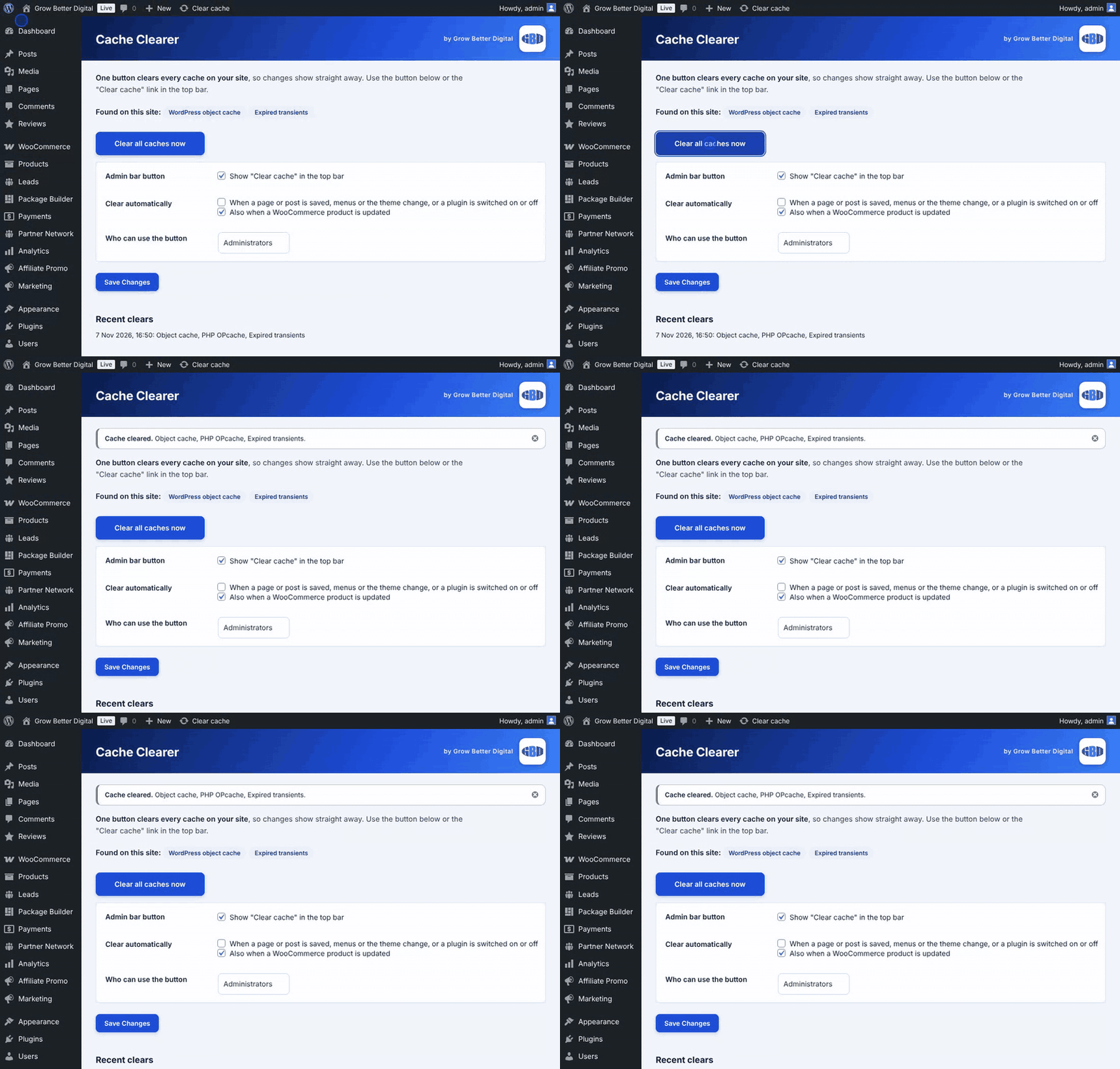
See what it found
The settings page shows which cache tools your site uses, and what the button will clear.
Key features
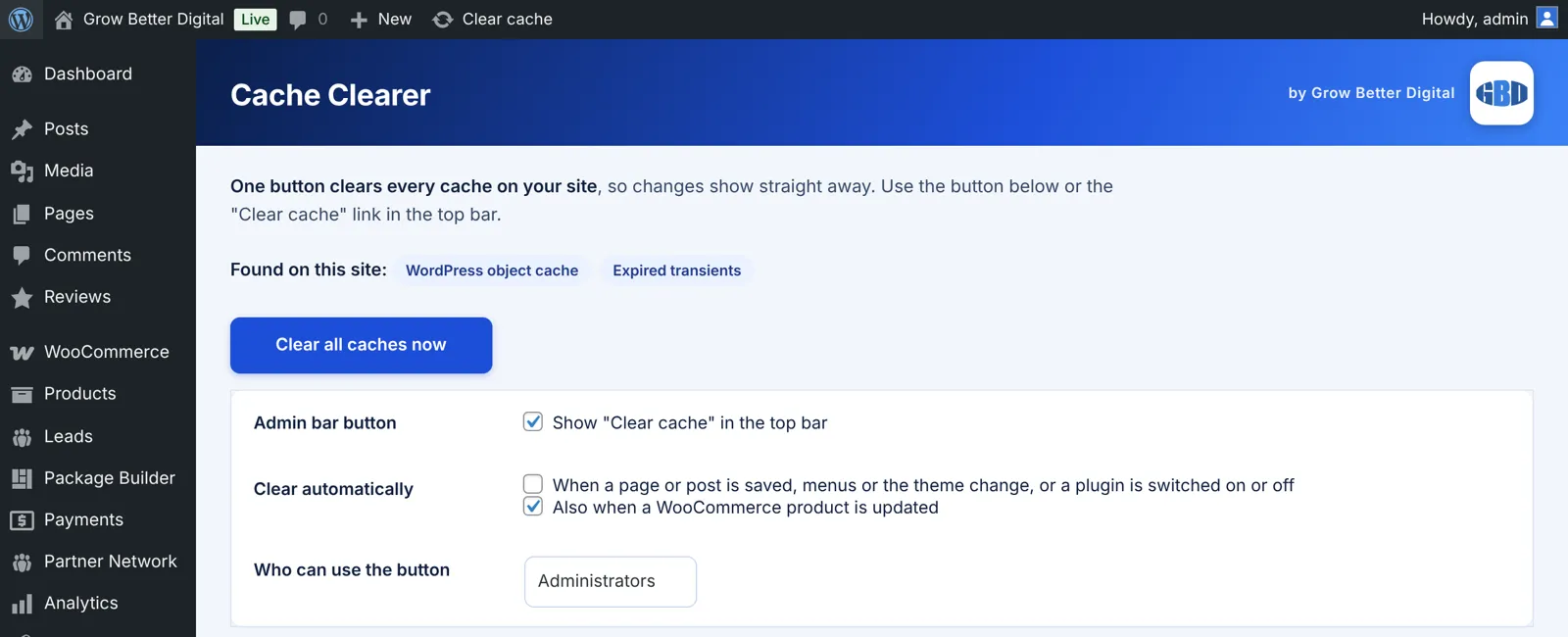
- One admin bar button
- Clears WP Rocket, LiteSpeed, W3 Total Cache, WP Super Cache and WP Fastest Cache
- Also clears Autoptimize, SG Optimizer, Breeze, Cloudflare plugin, WP Engine, Kinsta, GoDaddy and xSpeed
- Clears the object cache, OPcache and expired transients
- Optional automatic clearing when content changes
- Settings page showing what was detected
The problem it solves
Most sites run more than one cache: a plugin, the host and sometimes a CDN. Each has its own purge button in its own place, so after an edit people either clear nothing or hunt through menus.
What you get
One button instead of five
Clear everything from wherever you are on the site, including the front end when you are logged in.
Works with what you already use
It detects the cache tools on your site and clears only what is there.
Clears itself if you want
Switch on automatic clearing and changes show as soon as you save.
Built because stale pages cost trust
After every update we would check the live page and find the old version. Clearing each cache by hand was slow, so we made one button that does it all.
How it compares to what is already out there
Every cache plugin and most hosts include their own purge button. They each clear only their own cache. This plugin does not replace them: it sits on top and presses all of the buttons you have, in one click.
Product names belong to their owners. Grow Better Digital is not affiliated with any of them.
Be first to get the One-Click Cache Clearer
We are getting it ready for other businesses to buy and use themselves. Join the waiting list and we will tell you first, with early-access offers.
Quick answers
Does it replace my caching plugin?
No. It clears the caches your existing tools hold. You keep using them as you do today.
Is it safe to click?
Yes. Clearing a cache only makes the next visit rebuild the page, so the first load afterwards may be a little slower.
Want help growing your business now?
Talk it through with Daniel on 01733 855183.